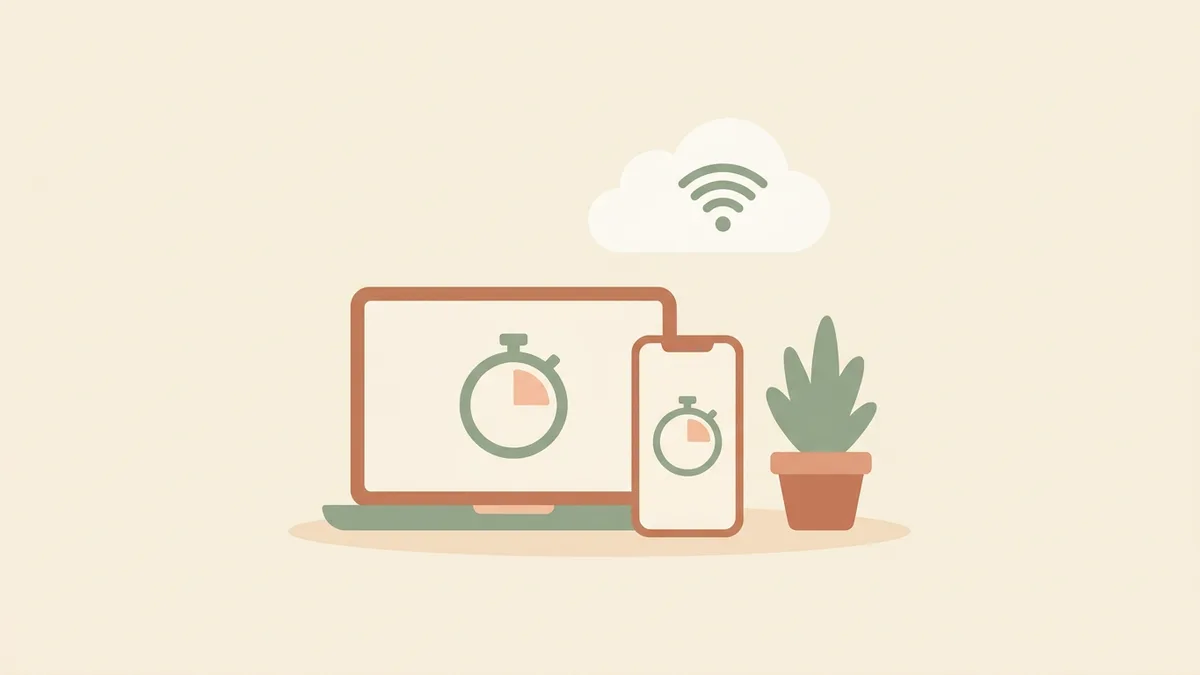
A free online Pomodoro timer — no signup, no download
Open a tab and focus. Pomodose is a free online Pomodoro timer with no signup, no download, and no clutter — and it keeps working even when you go offline.
Open the timer →No account, no friction
The best time to start focusing is now, not after you have created yet another account. Pomodose asks for nothing — no email, no password, no signup step between you and your first session. You open the page and the timer is already there, set to the classic 25 minutes, ready to start.
There are no ads to dodge and no upsells either. It is simply a free online Pomodoro timer that does its one job well.
Works offline, like an app
Because Pomodose is built as a progressive web app, it does more than a normal website. After your first visit it is saved on your device, so it keeps working with no internet connection at all — handy on a train, a plane, or anywhere the wifi gives up. You can also add it to your home screen or desktop and launch it like any other app, full-screen and distraction-free, without ever visiting an app store.
Your data stays on your device
With no account, there is nothing to sync to a server. Your timer lengths, chosen theme, and focus stats are saved locally in your own browser and never leave your device. It is a calmer, more private way to use a timer — you are not the product, and there is no profile being built about how you work.
Customisable to your rhythm
Simple does not mean rigid. You can shape the timer around how you actually work:
- Adjust the focus, short-break, and long-break lengths to suit your attention.
- Choose how many sessions go by before a long break.
- Switch on ambient music and pick from six calming themes.
- Let breaks and sessions auto-start, or step through them yourself.
New to the method? The guide to the Pomodoro Technique covers how the focus-and-break cycle works, and the focus guides go deeper on breaks, intervals, and studying.
Frequently asked questions
- Do I need an account to use it?
- No. There is no signup, no login, and no email required. Open the page and the timer is ready to go straight away.
- Do I have to download anything?
- No. Pomodose runs in your browser, so there is nothing to install to get started. If you want, you can optionally add it to your home screen or desktop as an app — but that is entirely up to you.
- Does it work offline?
- Yes. After your first visit, Pomodose is cached on your device and keeps working without an internet connection — useful on a train, on a plane, or anywhere the signal drops.
- Is it really free?
- Completely. No ads, no subscription, no paid tiers, and nothing to buy. The whole timer, with music and all the themes, is free.
- Does it work on my phone?
- Yes. Pomodose works on phones, tablets, and computers in any modern browser, and it adapts to the screen size. Add it to your home screen for a full-screen, app-like feel.
Ready to start? Open Pomodose — free, no signup, works offline.